有人曾在GAE建立監控程式,藉此監控公司的網站等服務是否可正常由外部網路使用,
是個不錯的應用,大家可以參考看看~
1.先至google console建立專案,請記錄專案ID
https://console.cloud.google.com/
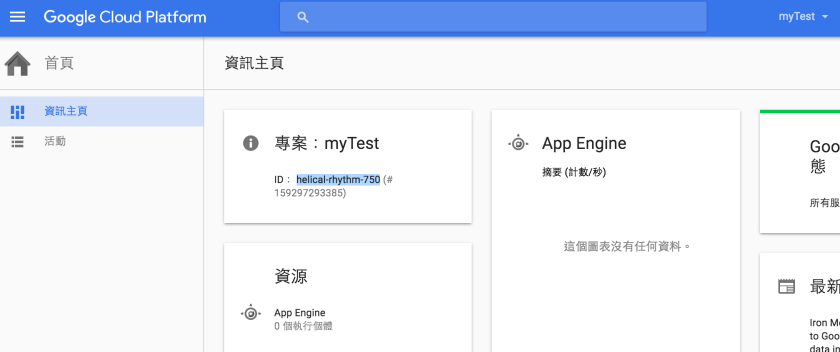
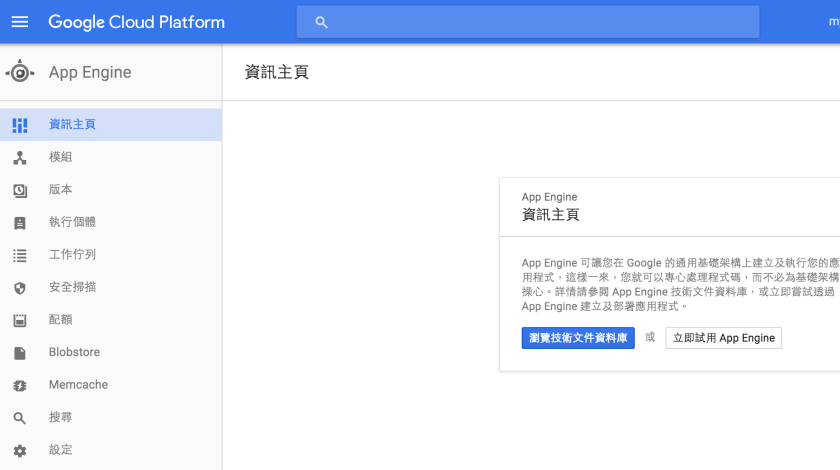
2.可參考下載App engine資訊主頁相關說明
下載eclipse,並加裝google app engine SDK或使用plugin,
我使用的plugin路徑∶https://dl.google.com/eclipse/plugin/core/4.3


3.開發好程式,測試方式
1) 選 Run As “Web Application"


2) 於瀏覽器中 輸入http://localhost:8888 可驗證結果

4.compile project
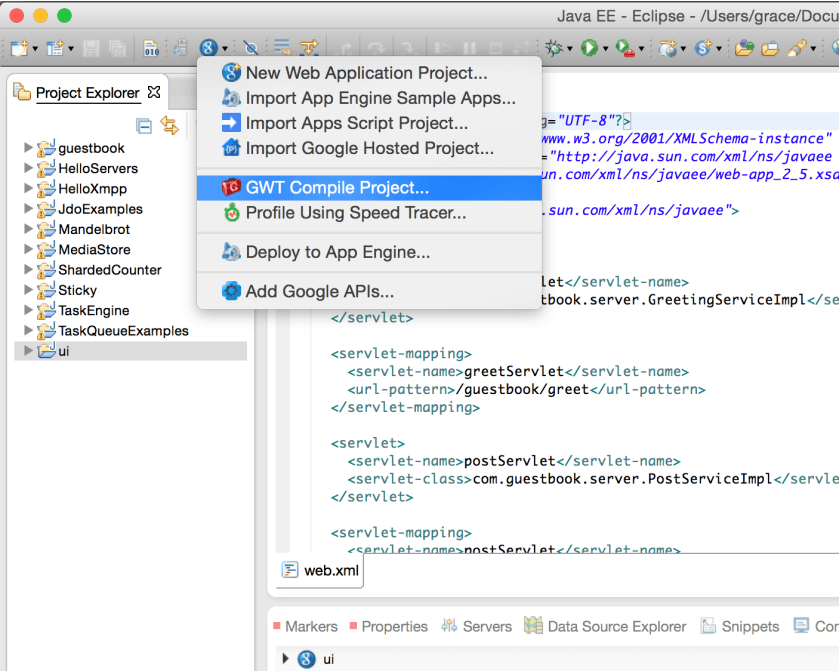
5.deploy project到google cloud的app engine

請點選App Engine project settings設定完成後,再執行"Deploy" Button

Application ID請填入步驟1取得的專案ID,按 “OK" Button回到上一頁

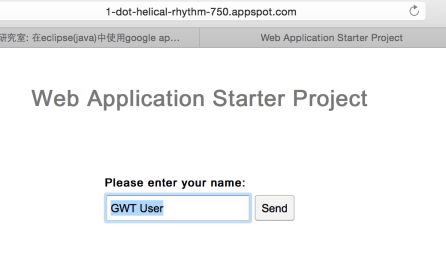
6.輸入https://[專案ID].appspot.com/
Ex.https://helical-rhythm-750.appspot.com/
即可顯示上傳專案的畫面
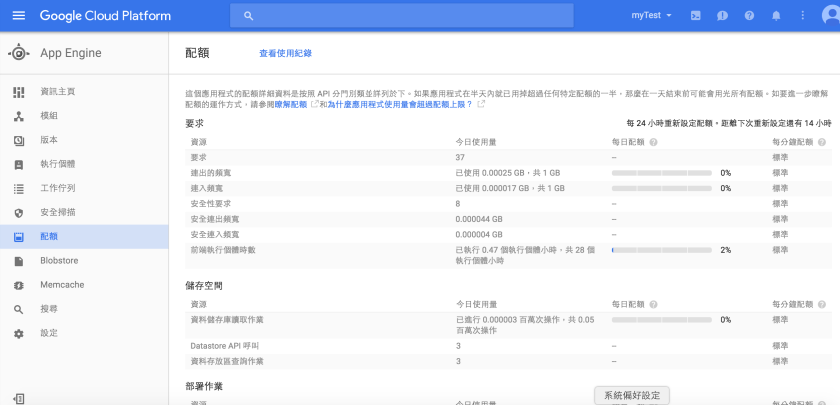
7.可至google cloud platform查詢app engine的使用狀況






 葛麗絲的分享世界