在公司執行mvn install出現PKIX path building failed for https://repo.maven.apache.org (如下圖),終於找到解法,如下說明:
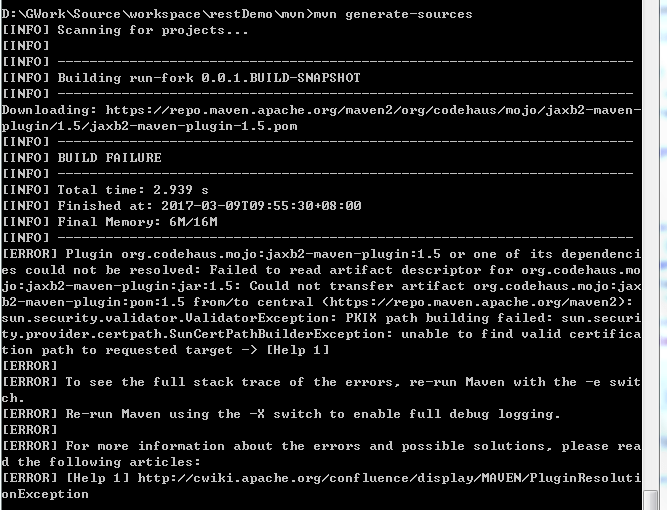
1.下載InstallCert.java並編譯
https://github.com/escline/InstallCert/blob/master/InstallCert.java
2.執行有錯誤
java InstallCert repo.maven.apache.org:443
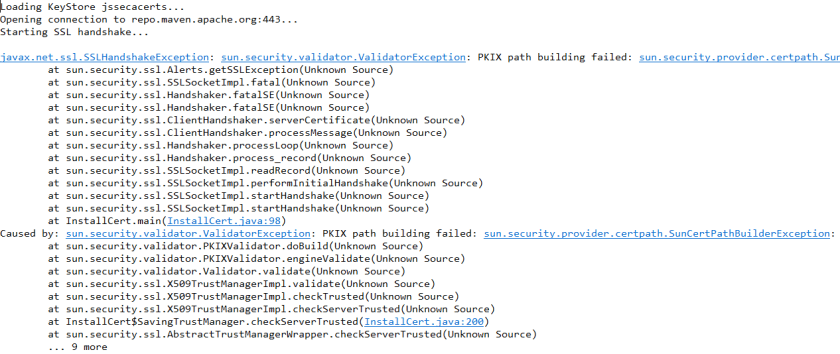
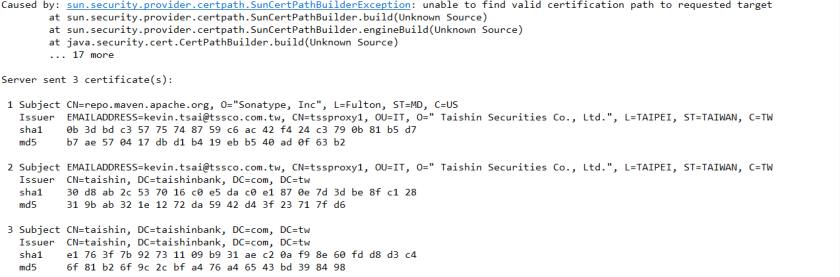
請在Enter certificate to add to trusted keystore or ‘q’ to quit: [1]
請直接按Enter
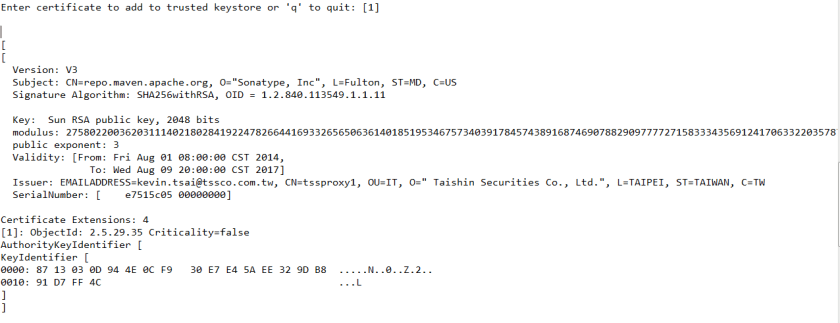
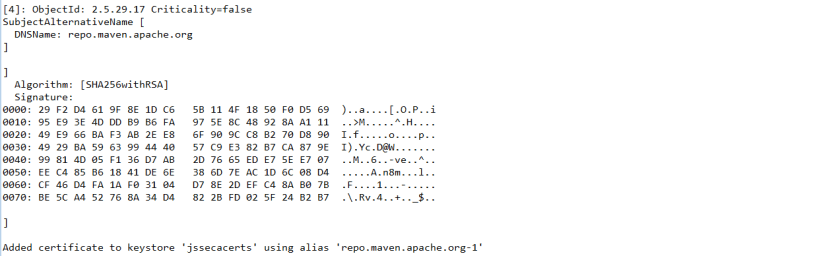
3.將產生的憑證檔案jssecacerts放到jave runtime的lib/security目錄下

若有多個Java runtime,請確認maven執行時是用那個Java~
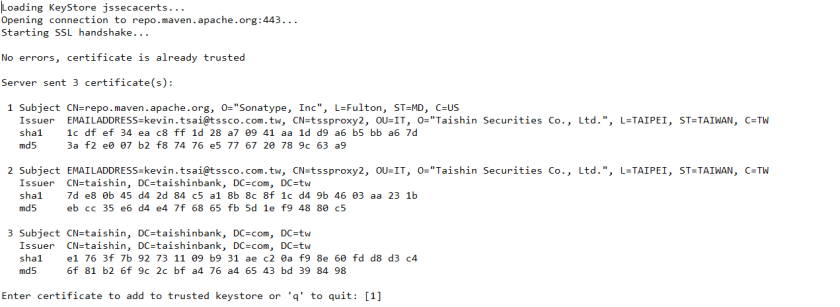
4.再次執行已能找到憑證,再次執行maven install…,已正確執行
java InstallCert repo.maven.apache.org:443
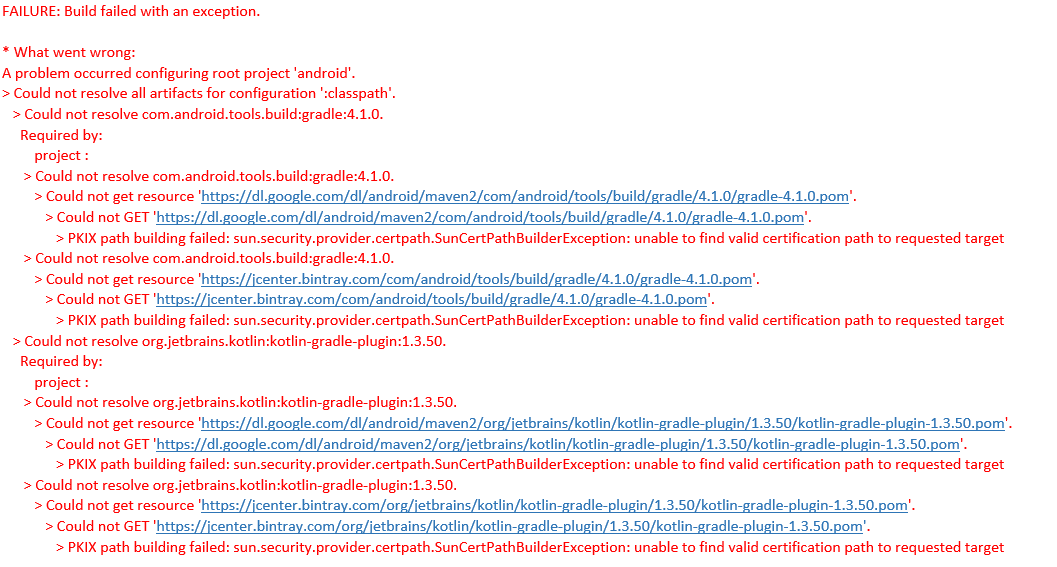
補充: IntelliJ IDEA build 專案出現如下錯誤訊息"PKIX path building failed: sun.security.provider.certpath.SunCertPathBuilderException: unable to find valid certification path to requested target",原因是"沒辦法自動向INTERNET DLP (個資外洩偵測,上網流量會導入 DLP過濾) 設備要求憑證",解法如下
1.手動將該憑證匯入cacerts
C:\Program Files\Android\Android Studio\jre\lib\security>keytool -import -file E:\IK-CA.der -keystore cacerts -alias GlobalTrust
密碼: changeit
2.gradle.properties加上以下兩行
systemProp.javax.net.ssl.trustStore=C:/Program Files/Android/Android Studio/jre/lib/security/cacerts
systemProp.javax.net.ssl.trustStorePassword=changeit

 葛麗絲的分享世界